 Treecat Help
Billing, payment methods and promo codes
Where to see your Treecat bill, why a payment method is needed before you connect a marketplace, and how to add a promo or affiliate code.
Your bill is on Settings → Billing, which shows what has accrued and why, and lets you manage payment methods. Treecat needs a payment method with a ZIP code before it can connect to your marketplaces, but you are only charged when a billable item sells. Promo codes go in Settings → Affiliate → Referral code.
Where do I see my bill?
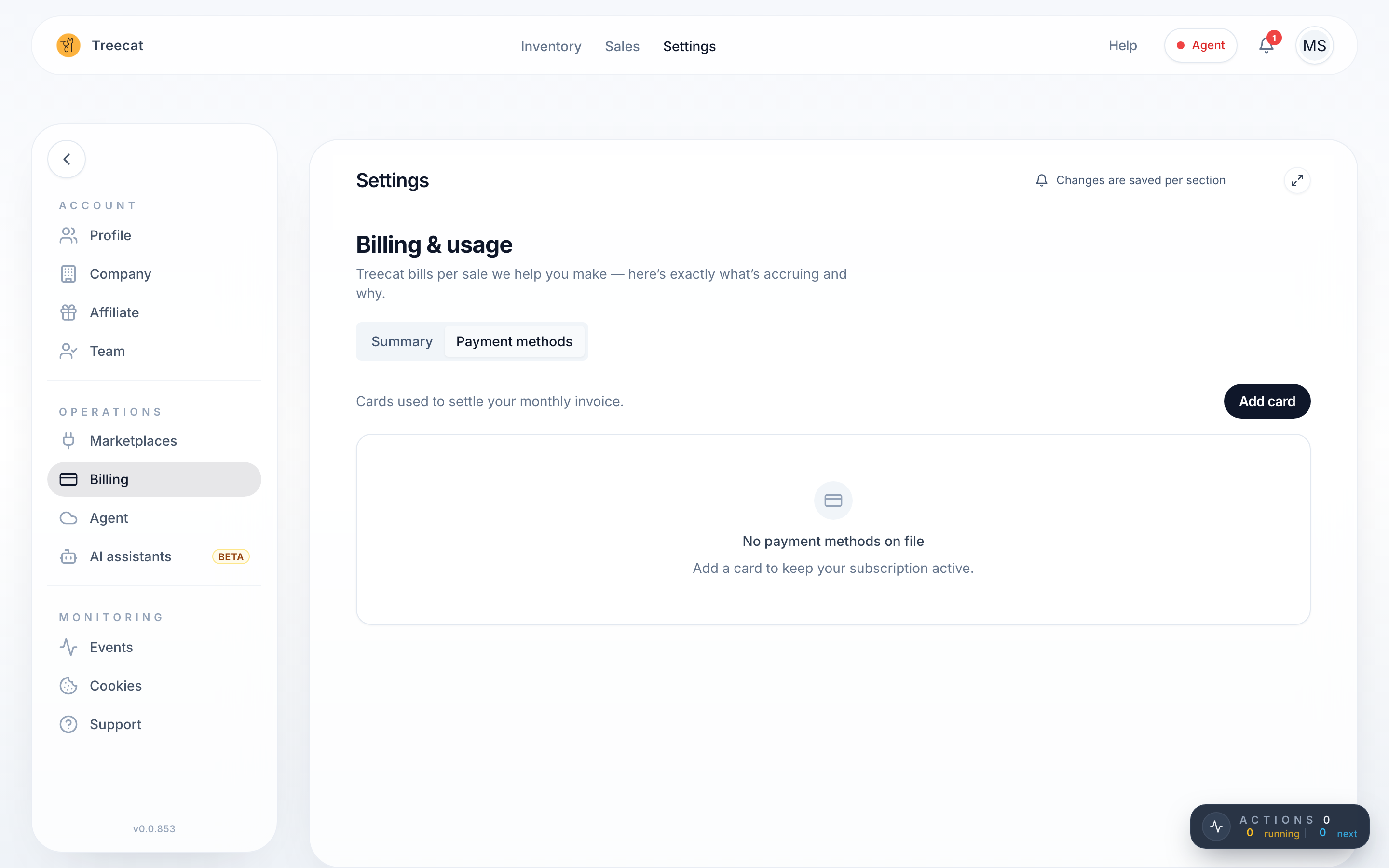
Open Settings → Billing (Billing & usage). The Summary tab shows your billing status, any free-use period, and the charges Treecat has calculated, even during a free-use period. You can preview and download invoices there.
Sales from one month are billed at the start of the next month, so January sales appear on the February bill. To see which sales are billable and why, see What counts as a billable event.
Why am I asked for a payment method before connecting a marketplace?
Treecat requires a valid payment method, with a ZIP code, before it can connect to or communicate with your marketplaces. You are not charged when you add it.
- Go to Settings → Billing and open the Payment methods tab, or click Add payment method when Settings → Marketplaces asks for one.
- Enter your card details and ZIP code.
- Go back to Settings → Marketplaces and connect your marketplace.
If the payment form misbehaves, log out of Treecat, log back in and try again. If it still fails, contact Treecat support.
I'm a guest and it says "Account owner action required"
Guests cannot add payment methods. The store owner needs to add a valid payment method (and ZIP code) on their own account before Treecat can connect and communicate with the stores.
How do I enter a promo or affiliate code?
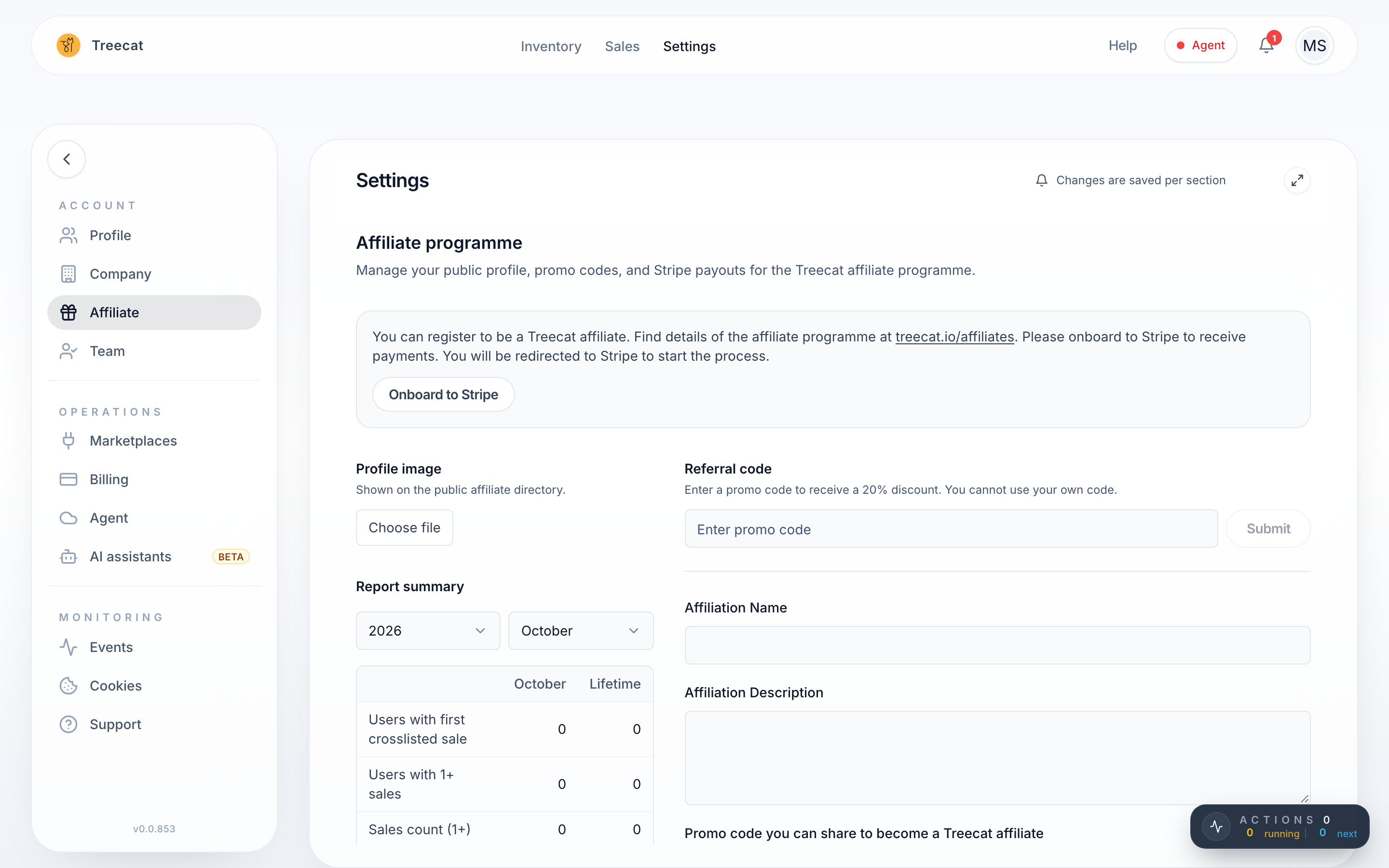
You can add a promo code when you first sign in, in the Promo code (optional) field, or at any time later, even on an existing account:
- Go to Settings → Affiliate.
- Type the code into the Referral code field and apply it.
The full list of affiliate codes is on the Treecat affiliates page (treecat.io/affiliates). You cannot use your own code, and you do not need a code to start. The discounted per-sale rates are in the pricing table.
Where is my free-use period?
If your account has a free-use period, for example through a creator code, it appears on Settings → Billing. If it does not show yet, log out and back in.
I think a charge is wrong. What do I do?
Email [email protected] with the Treecat URL of the sale (copy it from the browser address bar) and a short note on what went wrong, such as an order that was cancelled or declined. Treecat support will review it.
What happens to my bill if I delete my account?
Deleting your account queues it for deletion, and any outstanding usage is still billed. See Delete your account or start over.
Last updated on